How to Automate Your Airbnb Check-In
Most Airbnb hosts aren’t managing a property they’re managing a dependency. Everything runs through them. This guide shows you how to break that loop in about an hour.
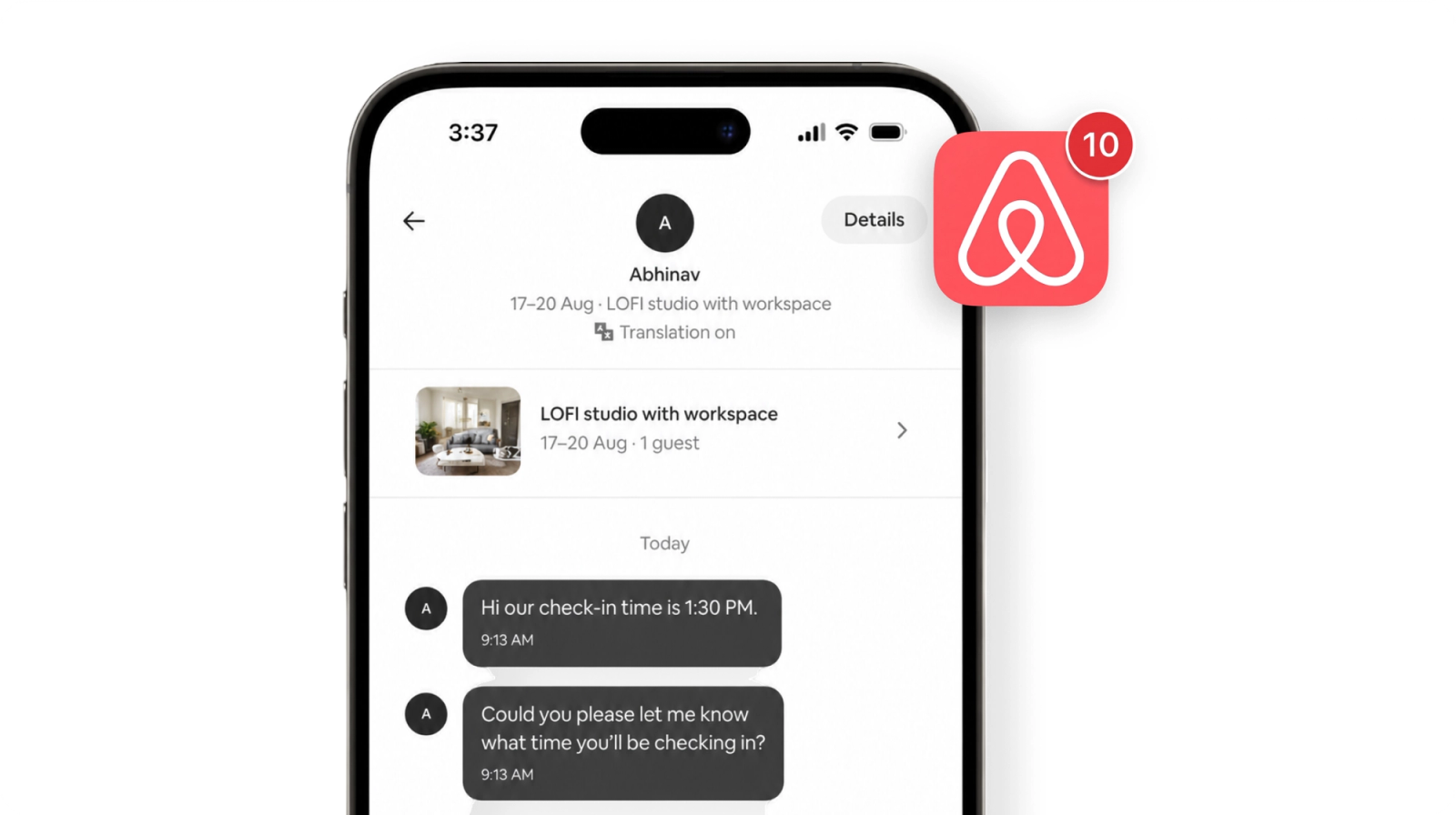
If you reply fast, things move. If you’re busy, guests wait. That’s the whole problem, and it compounds quickly when you’re managing two or three properties.
The issues usually fall into three buckets:
- Guest messages never stop. Check-in time, WiFi password, parking, early check-in guests ask even after you’ve already shared the information.
- Entry depends on a person. Someone always has to be available you, your caretaker, or a long WhatsApp thread. If that person is unreachable, the guest is stuck.
- ID collection is chaotic. Photos on WhatsApp, blurry screenshots, files stored nowhere. In India, this is also a compliance issue.
You don’t need a big system to fix this. You just need to fix three things.
Step #1
Automate your guest messages :
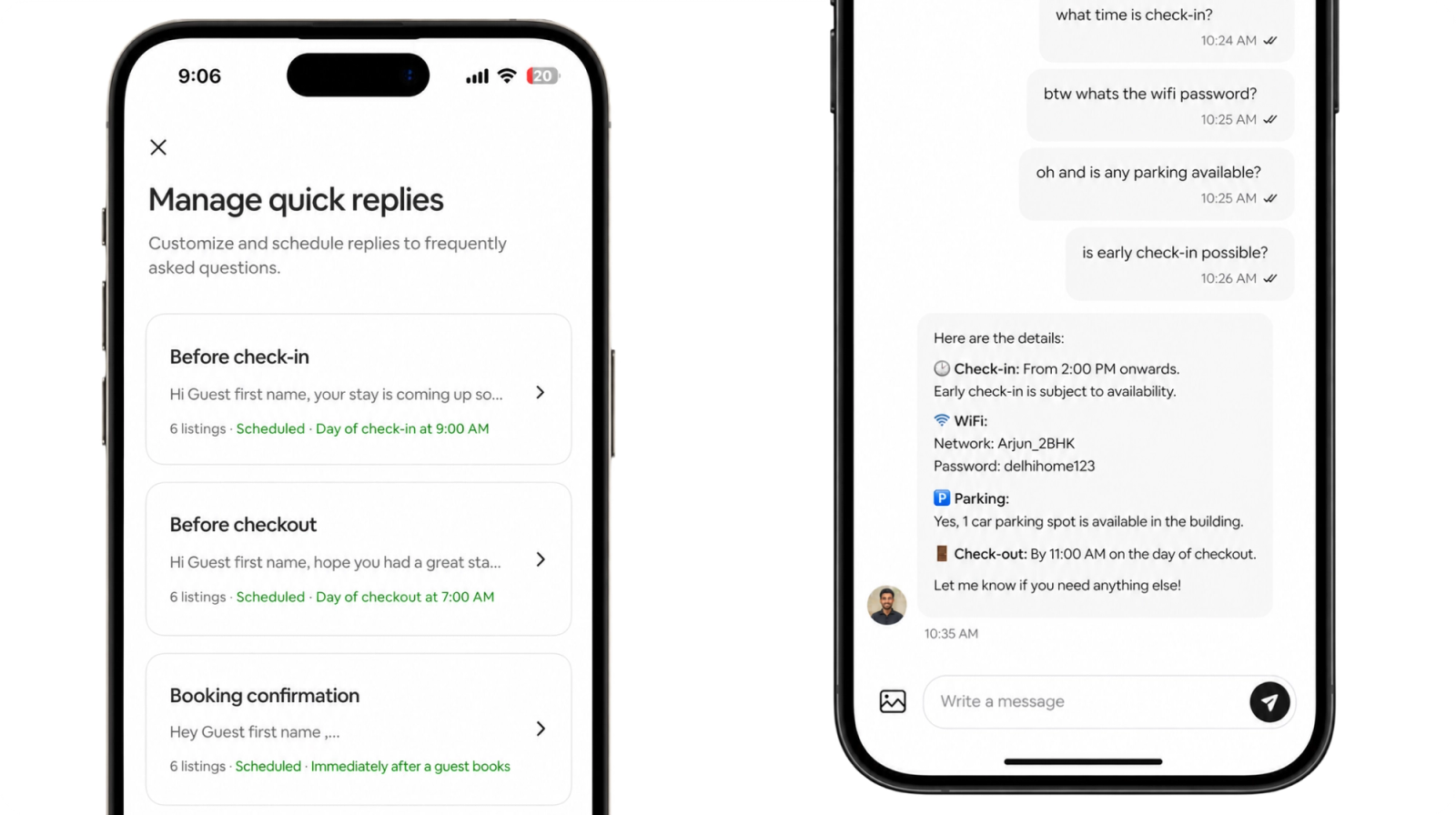
Airbnb’s scheduled messaging is already built in most hosts just never set it up.
Write the messages once, and Airbnb sends them automatically at the right moments.
Four messages handle almost every question guests ask:
- On booking confirmation — a warm welcome, what to expect
- 48 hours before check-in — directions, parking, what to bring
- On check-in day — WiFi, PIN, local tips
- Before checkout — instructions, how to leave the key
Set these up once. Most of your inbound messages will stop.
Step #2
Remove key handover entirely :
This is the bottleneck that causes most last-minute panic.
A smart lock or a lockbox eliminates it completely.
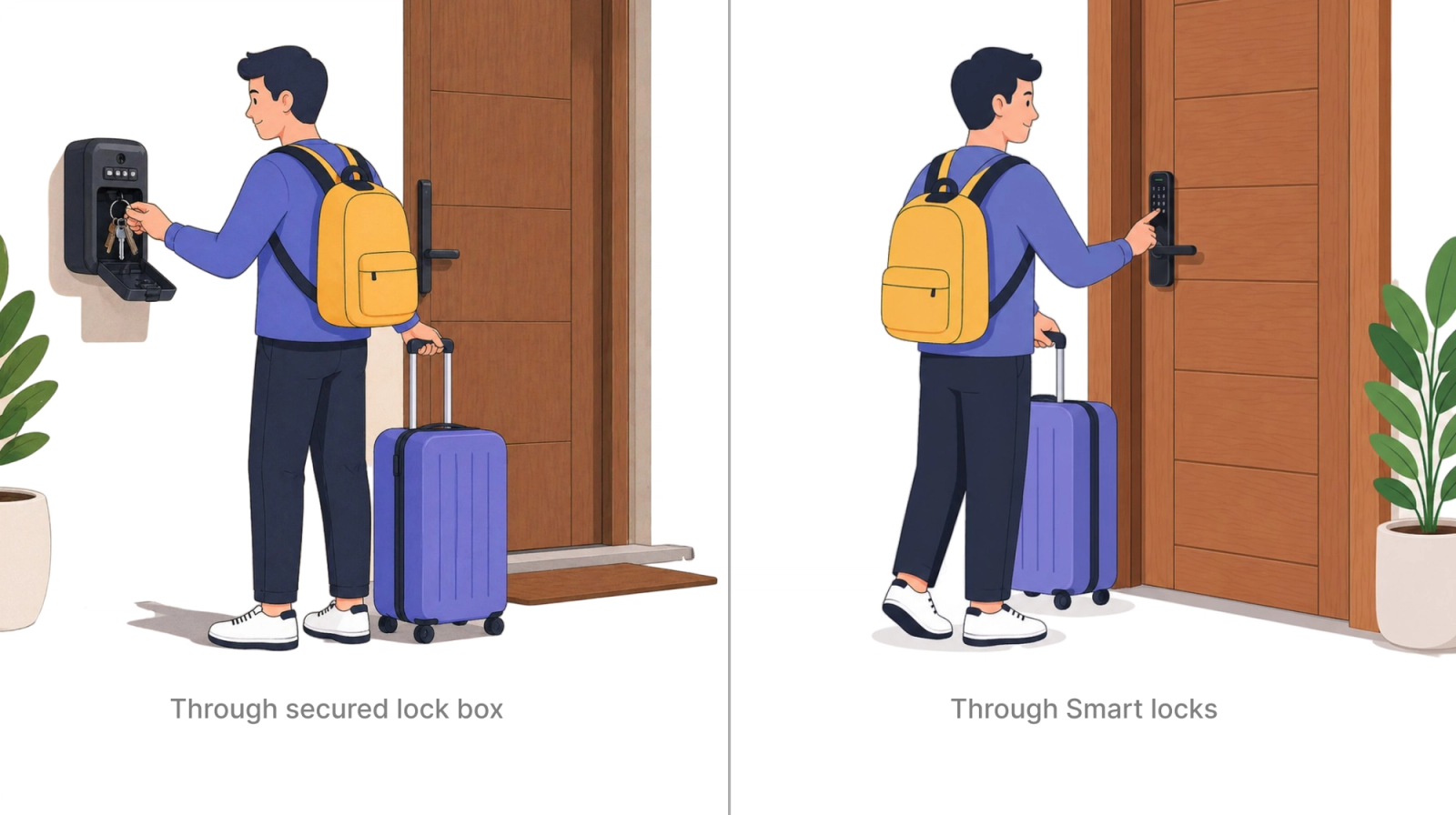
The guest gets a PIN through the automated message before check-in.
They arrive, enter, and you never had to be there. No calls. No caretaker coordination.
Pricing comparison:
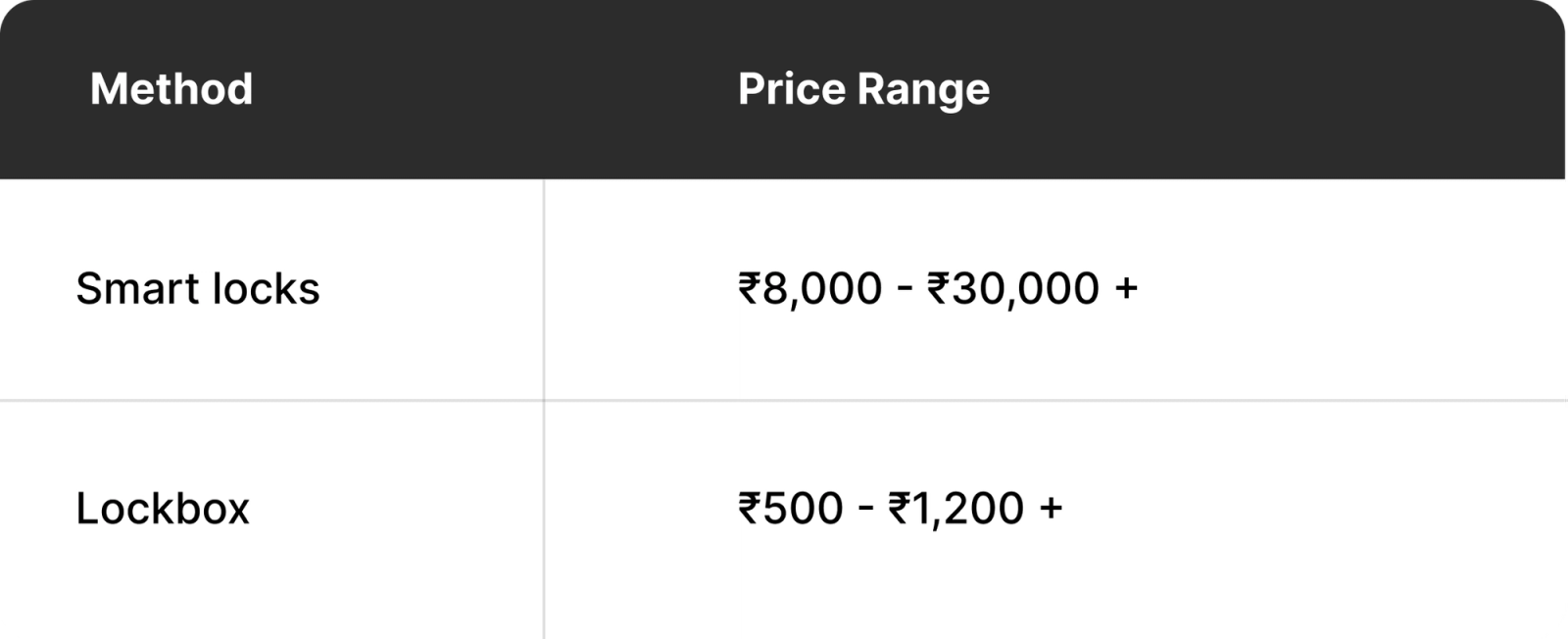
Our recommendation:
Smart locks :
Lockbox :
If you already have a smart lock, connect it to Airbnb.
You can set a PIN of the guest's preference directly in the lock settings.
Step #3
Automate ID collection
This is where most hosts are still doing things manually.
And these 3 specific problems make it hard to leave as-is:
- Reminders and chasing. Guests don’t submit ID on their own. You follow up, they forget, you follow up again. Every booking.
- Group check-ins. When a group arrives, you need individual IDs from every guest — not just the one who booked. Coordinating that over WhatsApp is a messy.
- Can’t delegate to staff. You can’t hand this off because sharing guest IDs directly with staff raises real privacy concerns. So it stays on you.
Two ways to solve this
You either use a PMS that has ID collection built in, or you use a system built specifically for it like qid
PMS :
Most property management systems include guest check-in flows with ID collection. It works, but not perfectly for this purpose
- Cost doesn’t make sense at 1–2 properties. PMS pricing is built for hotels and multi-property operators. For a host with one or two listings, you’re paying for a lot you won’t use.
- The UI is complicated. Most PMS interfaces were designed for hotel-trained front desk staff. They’re dense, outdated, and not something you can hand to a part-time caretaker.
qid :
qid is built specifically for identity verification and authentication.
- Identity + selfie verification. Guest submits their ID and a live selfie matched automatically. Not just a photo of a document.
- Staff log-in with limited access. Your caretaker can see whether an ID was submitted or not but cannot view the actual document. Privacy stays intact, and you can delegate the task.
- Pre-arrival and at-arrival flow. Send a check-in link in the welcome message before they arrive, or place a QR standee at the property. Either way, it’s one scan or tap
Here’s what the flow looks like in practice:
#1 Pre-arrival :
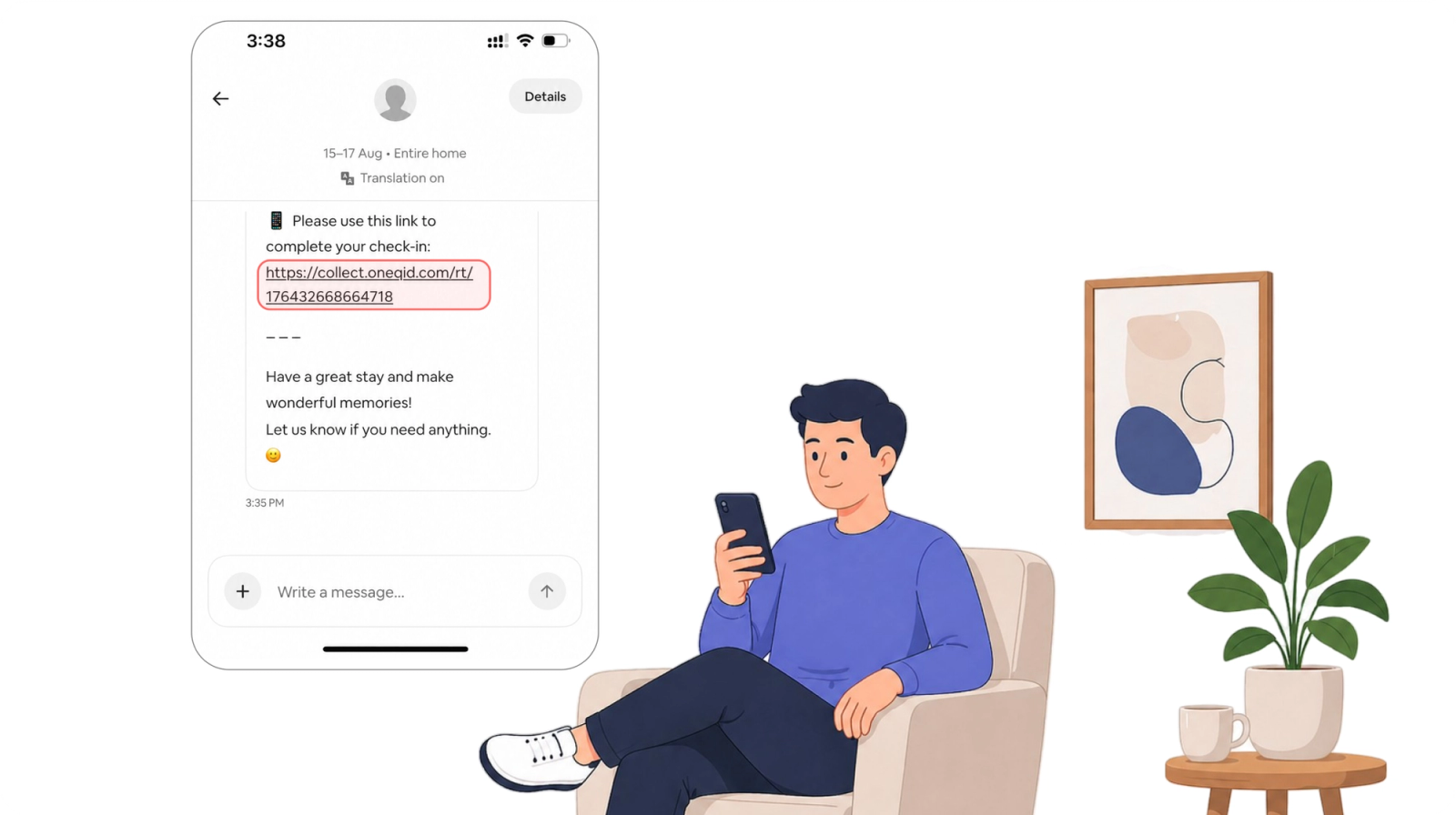
Check-in link sent in the welcome message before the guest arrives.
#2 At-arrival | With the QR Standee at property:
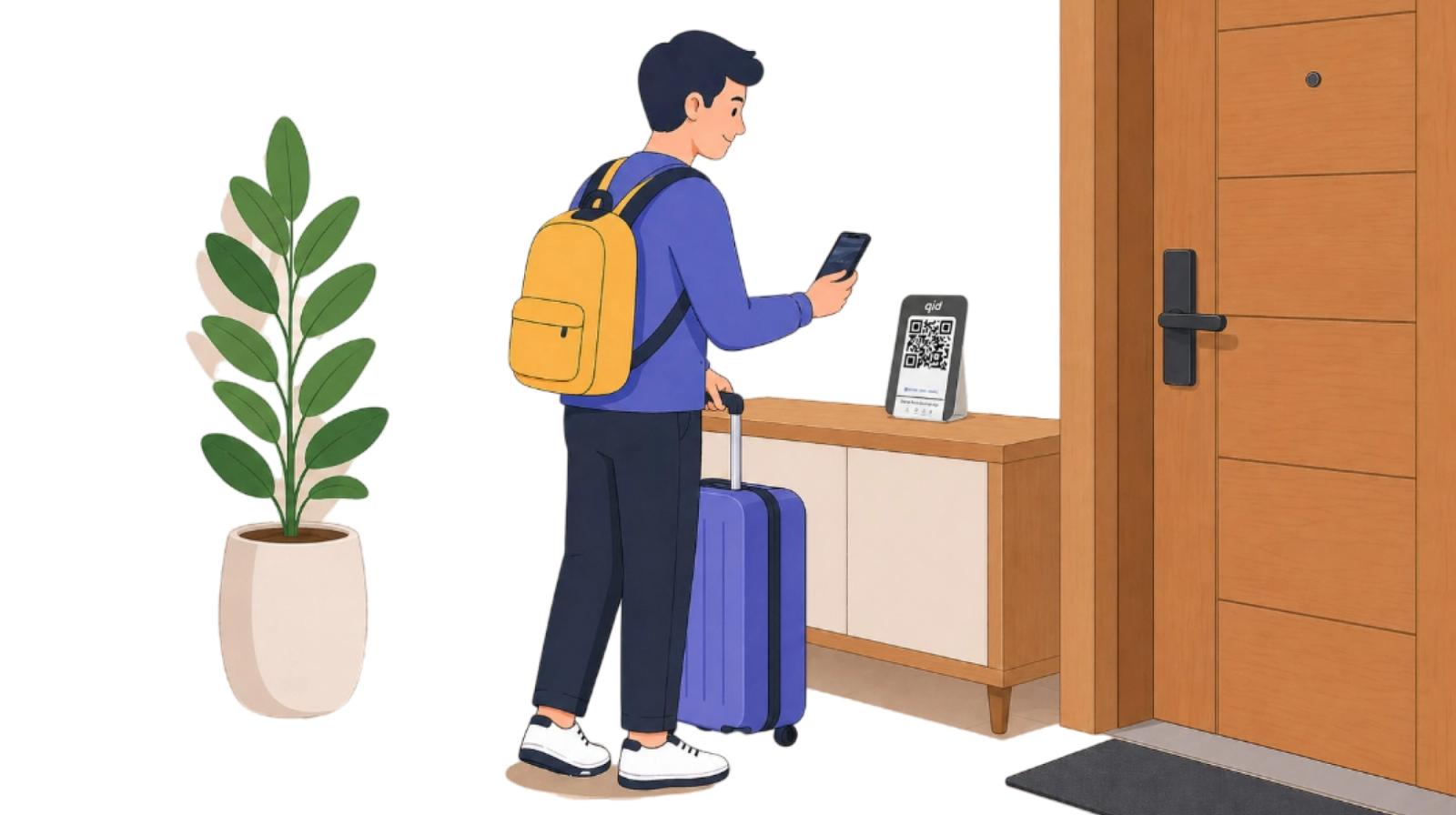
Guest scans the QR standee at the property on the day of check-in.
Most hosts don’t have a check-in problem. They have a dependency problem. Automation fixes that.
What the new flow looks like :
Once you’ve set these three things up:
- Guest books
- Automated messages are sent
- They arrive with a PIN
- ID is collected via link or QR.
You’re not in the loop at any point. How long does the setup actually take?
You do it once. Then it runs for every booking after that.